Made for Freelancers
Fabric for freelancers
Projects, clients, references, and admin in one searchable workspace. The operating system for a one-person business.
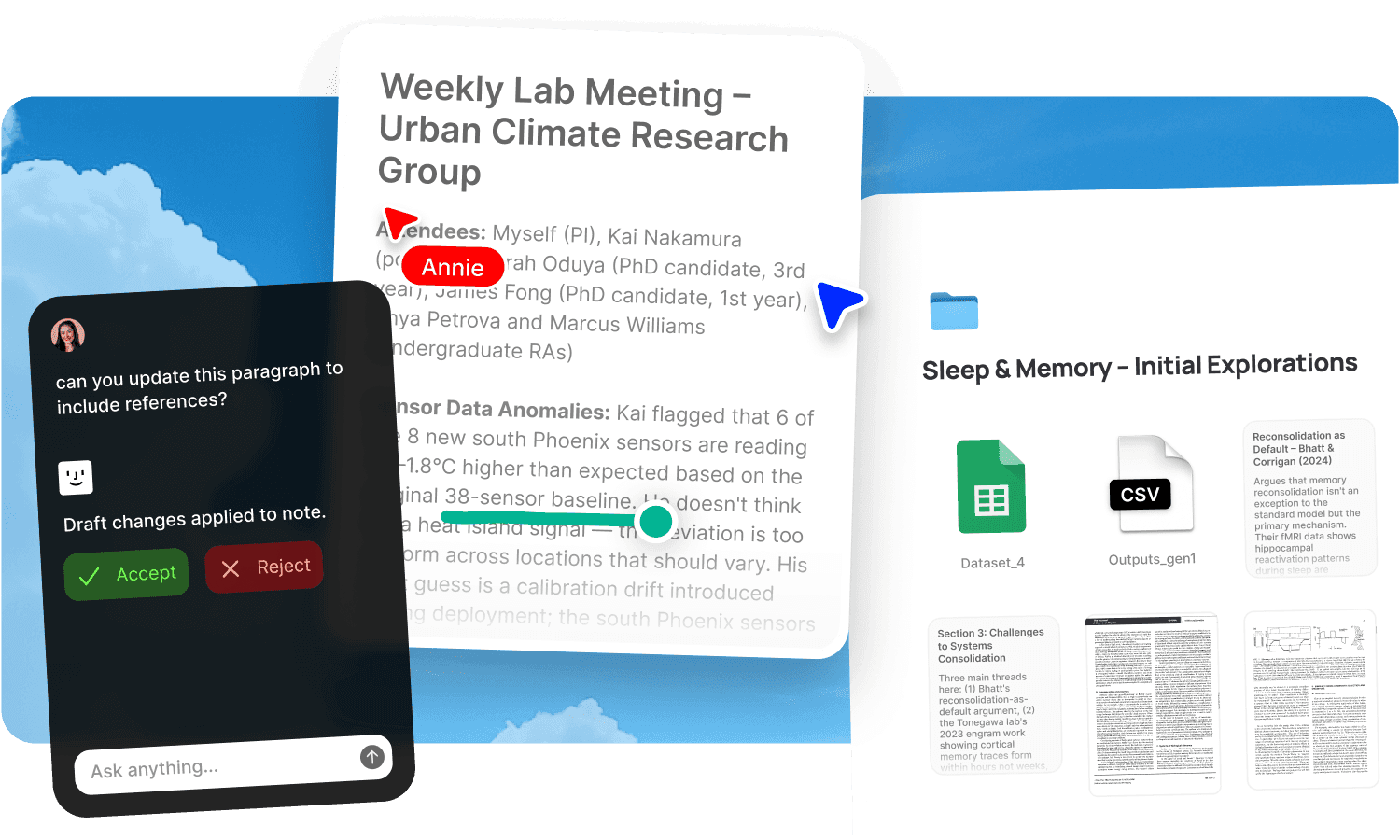
Freelancing means running every part of a business yourself. You're the creative, the project manager, the account manager, the admin, and the bookkeeper. You manage clients, track projects, collect references, send deliverables, chase invoices, and somehow find time to do the actual work. The tools multiply with the roles: a design tool for the creative work, a drive for file storage, an email for client communication, a spreadsheet for invoicing, a note app for ideas, a separate folder per client that you reorganise every January and give up on by March. You're one person using ten tools, and the cost isn't the subscription fees. It's the time lost switching between them and the things that slip through the gaps.
Fabric gives freelancers one workspace where client projects, references, deliverables, admin, and ideas all live together, searchable, organised, and backed up without you maintaining separate systems for each.
Per-client spaces without the overhead
Every client has their own set of files, briefs, deliverables, feedback, and communication history. When these scatter across email, drives, and chat, finding the right file for the right client means remembering where you put it and when. Multiply by five active clients and the search overhead eats into billable hours.
Give each client their own Fabric space. Briefs, assets, deliverables, meeting notes, feedback, and correspondence all live in one place per client. When you switch from one project to another, the full context is there. When a client from six months ago returns, the history of the previous engagement is searchable without reconstruction.
AI search finds anything by meaning across a client space or across all your clients. Ask "the brand guidelines for the restaurant project" or "that texture reference I saved in April" and find it regardless of filenames or folder structures. The AI assistant can summarise where a project stands, recall what a client asked for, or pull together relevant past work.
Share work professionally, track engagement
Sending deliverables as email attachments feels provisional. The client gets a file with no context, you don't know if they've looked at it, and the version you sent starts ageing the moment you hit send.
Publish deliverables, portfolios, or collections as clean, shareable links with password protection and link analytics. Share a design presentation and know when the client has viewed it. Send a portfolio to a prospective client and see which projects they spent time on. Update a file in Fabric and the link reflects the change. No re-sending.
For collecting client feedback on deliverables, annotations let clients pin comments to exact spots on the work. No more translating "the bit at the top" into actionable revisions. For the full feedback workflow, see review and approval.
A reference library that grows with your career
Freelancers collect references constantly: design inspiration, articles about technique, examples of good work, screenshots of layouts, notes about style. The references pile up across Pinterest, camera rolls, browser bookmarks, and desktop folders. By the time you need one, it's faster to find a new reference than to locate the one you saved.
Fabric holds every reference in one searchable library. Images, articles, PDFs, screenshots, bookmarks, and notes are all findable by meaning, colour, or visual similarity. Search "minimalist packaging with earth tones" or drop in a reference image and find everything similar. The library grows over years, and every new reference makes the search more useful.
Use the canvas to arrange references into moodboards or project plans. The canvas draws from your library, so building a board means arranging what you've already collected. For the full visual reference workflow, see moodboards and inspiration.
Everything captured, nothing lost
Freelancers can't afford to lose things. A lost receipt means a missed tax deduction. A lost email means a client thinks you forgot. A lost idea means a project that never happens.
Fabric syncs across devices and backs up your content. Photograph a receipt on your phone. Forward a client email to email-to-note. Record a project idea as a voice note. Clip an article from the web. Everything arrives in the same workspace and stays there, searchable and backed up without you maintaining a filing system.
Use tasks and reminders to track deadlines, follow-ups, and admin across all your clients. The tasks live alongside the project materials they relate to, so nothing falls between "I need to do that" and doing it.
Use cases for freelancers
The workflows freelancers run in Fabric: managing client work and deliverables with per-client spaces and tracked sharing, building moodboards and inspiration libraries, running design projects from reference through delivery, content planning for their own marketing, brainstorming on the canvas, capturing meeting notes from client calls, sharing a portfolio or press kit behind a single link, managing review and approval with annotations, keeping life admin like receipts and contracts searchable, and building a second brain of professional knowledge that compounds across projects.
A freelancer's day in Fabric
Morning. You check tasks for the day: a deliverable due for Client A, feedback to incorporate for Client B, and an invoice to follow up on for Client C. Each task links to the relevant client space.
Mid-morning. You're working on a branding project. You search your library for "geometric sans-serif logotype inspiration" and find references you saved over the past year, including one from a project that never went ahead. You drag the best onto a canvas moodboard.
Lunch. Client B left annotations on the latest deliverable. You open the file and see their feedback pinned to specific spots. You make revisions and update the file. The published link they already have now shows the updated version.
Afternoon. A prospective client asks for examples of past work. You publish a curated portfolio collection with a tracked link. Tomorrow you'll see which projects they looked at and tailor your follow-up.
End of day. You photograph a receipt from a supply purchase and forward a client's contract email to email-to-note. Both land in the workspace, searchable at tax time or whenever you need them.
Get started
Run your freelance business from one workspace where every project, client, reference, and document is searchable. Try Fabric free.
For independent consultants with advisory-style engagements, see Fabric for consultants. For creative-specific workflows, see Fabric for designers and Fabric for content creators. For agencies managing teams and clients, see Fabric for agencies.
FAQs
Can I create a separate space for each client?
Yes. Each client gets their own space with project files, deliverables, feedback, notes, and communication history. Spaces are separate and searchable individually or across your whole library.
Can I share deliverables with a professional link instead of an email attachment?
Yes. Publish any file or collection as a clean, shareable link with optional password protection. The client sees a professional presentation, and you can track when they've viewed it with link analytics.
Can clients leave feedback directly on my work?
Yes. Annotations let clients pin comments to exact spots on any image, document, or PDF. Feedback is specific and attached to the work.
Can I search for a reference image by what it looks like?
Yes. AI search finds images by colour, visual similarity, and meaning. Drop in a reference image and find everything similar in your library, or describe what you're looking for in words.
Can I build moodboards in Fabric?
Yes. The canvas is an infinite spatial workspace for arranging references, notes, and ideas. Drag material from your library onto the canvas to build moodboards or plan projects visually.
Can I track tasks and deadlines across all my clients?
Yes. Tasks and reminders live in each client space and are trackable across your whole workspace. Deadlines, follow-ups, and admin items are all in one place.
Can I share a portfolio with prospective clients?
Yes. Publish a curated collection of past work with a link. Use link analytics to see which projects prospects spend time on.
Can I store receipts and contracts?
Yes. Photograph receipts, forward contract emails to email-to-note, and save invoices as PDFs. Everything is searchable by content. See life admin for the full household-documents workflow.
Can I record and transcribe client calls?
Yes. AI voice notes capture and transcribe calls. The transcript becomes a searchable part of the client record.
Does it work on my phone for capturing ideas on the go?
Yes. The mobile app lets you photograph references, record voice notes, jot ideas, and save links. Everything syncs to your workspace.
Can I use Fabric alongside my existing tools?
Yes. Fabric connects to Google Drive, Dropbox, and Gmail. It works alongside your design, writing, and invoicing tools.
Is my work and client data secure?
Yes. Fabric uses AES-256 encryption and is CASA Tier 2 compliant. Client data is private by default and only visible to you unless you share it.
How is this different from just using Google Drive?
Google Drive stores files by name and folder. Fabric adds AI search by meaning, visual and colour search for references, annotations on files, tracked sharing with analytics, an AI assistant that works from your material, and a canvas for spatial thinking. The difference is a freelance workspace rather than a file server.