Tasks and reminders

Your tasks,
connected to everything.

Tasks, files, notes, links. All in one place.


Due dates. Reminders. Priorities.

Zero app switching.
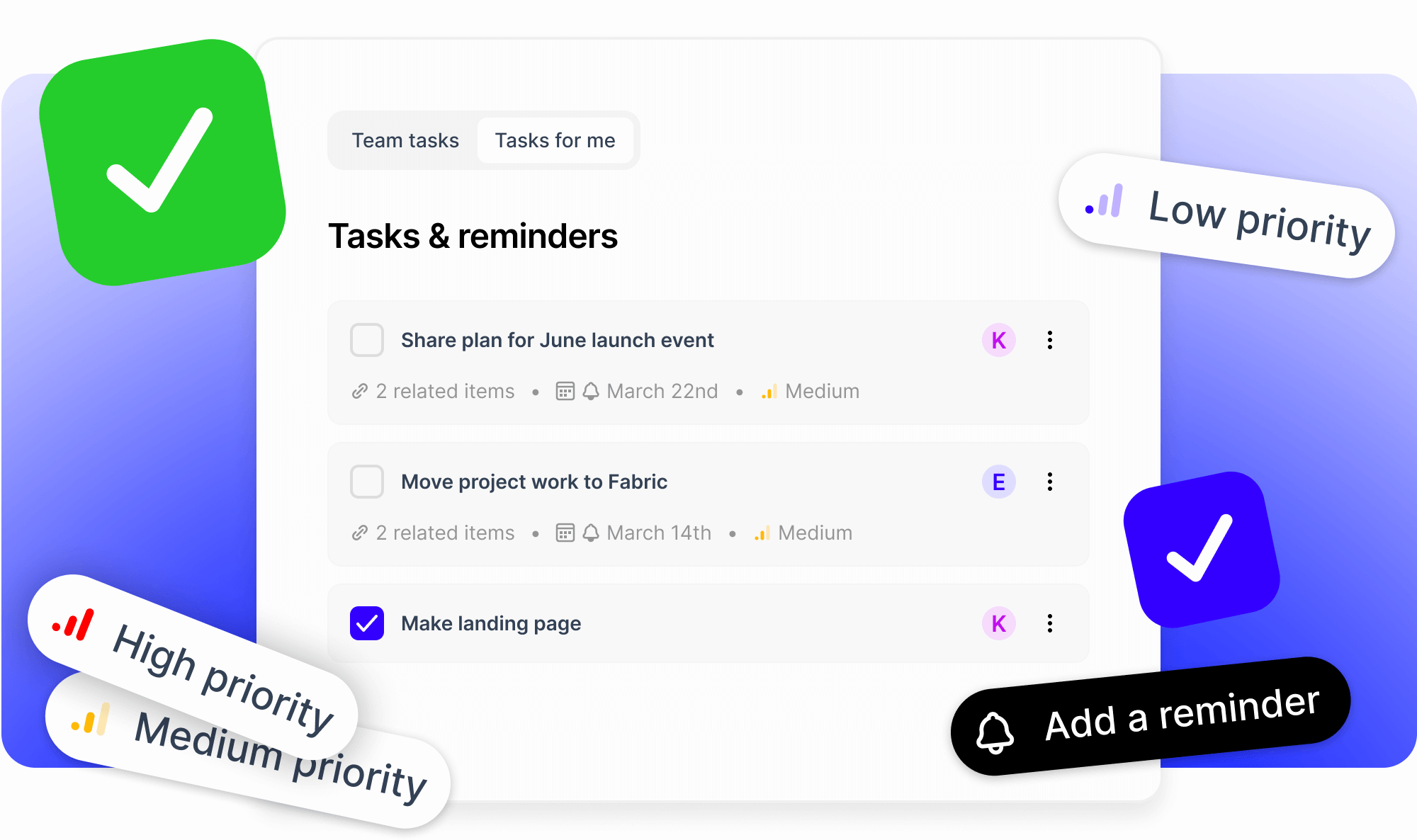
Everything in one place.

Tasks where you actually do your work.


Take action and plan, all in the same place.


Get more done, and cut the context switching.

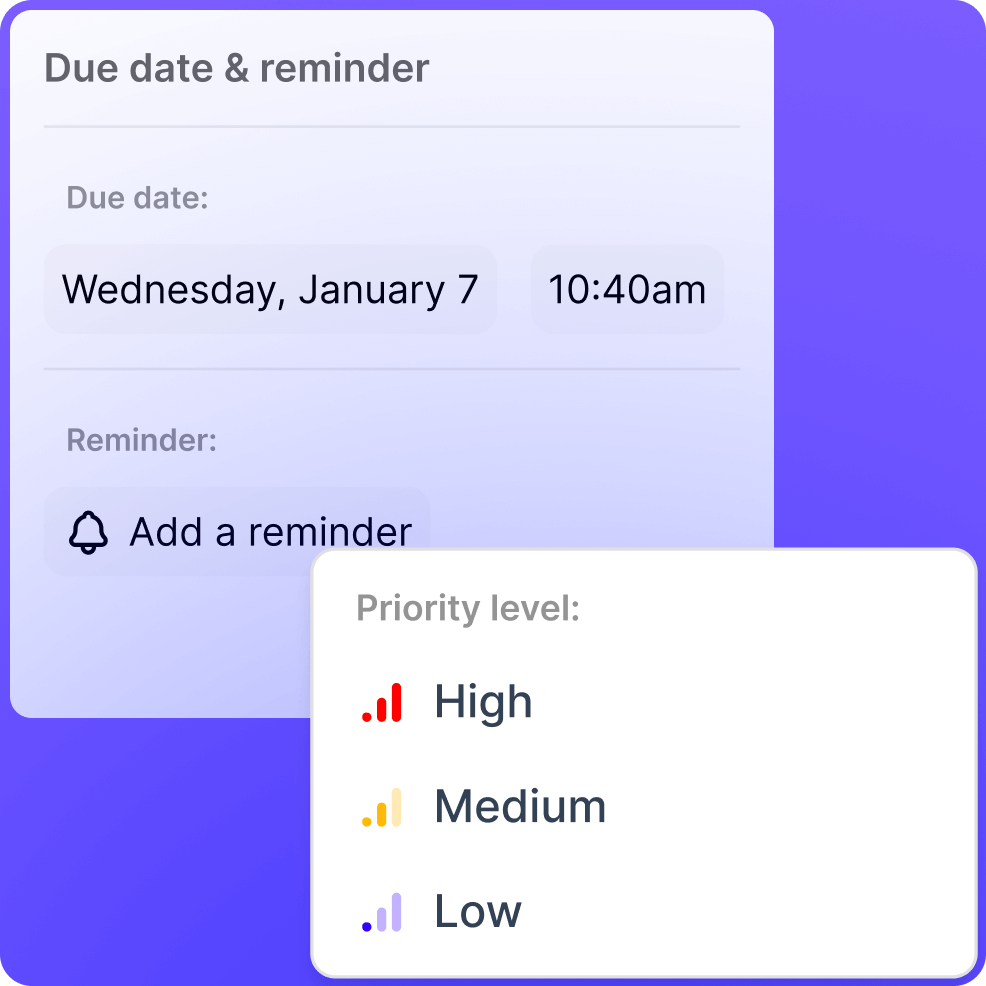
Set due dates and priorities.


Keep track of what matters most and when it needs to be done.
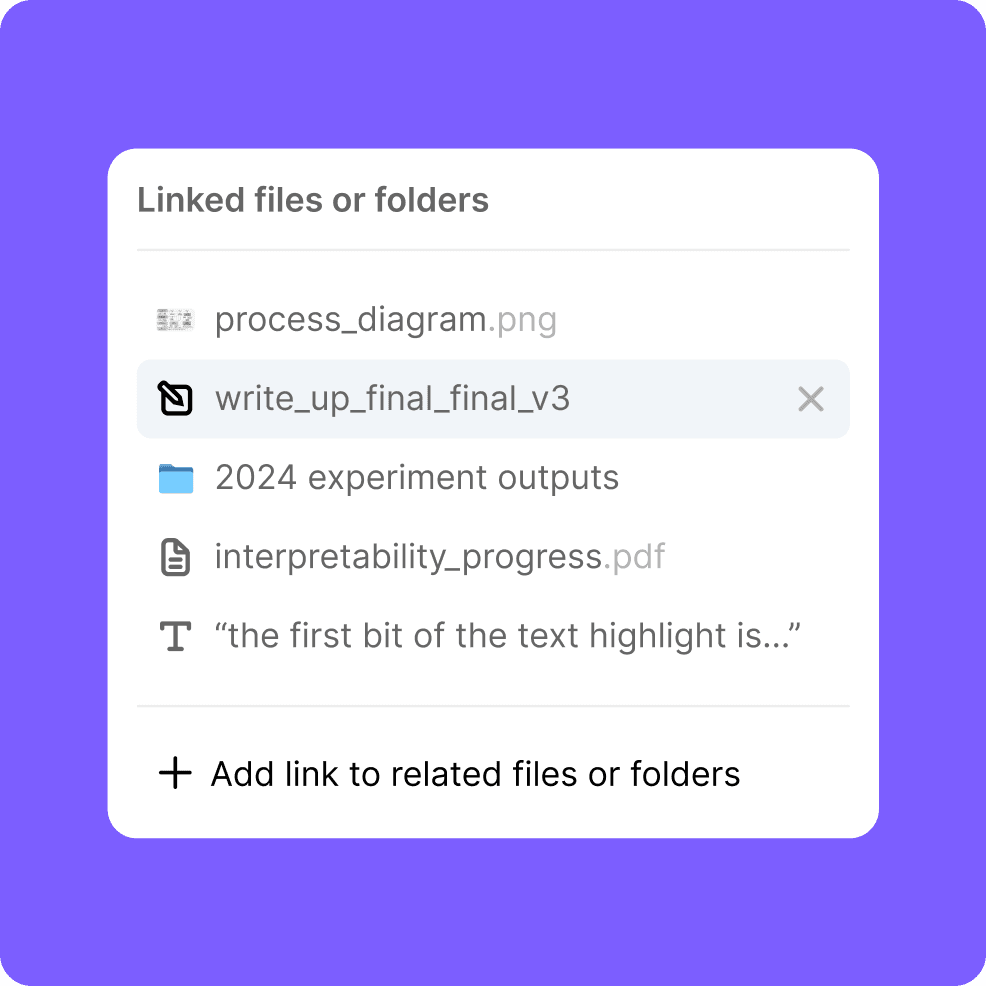
Connect your content.


Link files, folders, and notes directly to each task.

Tasks that actually get done.
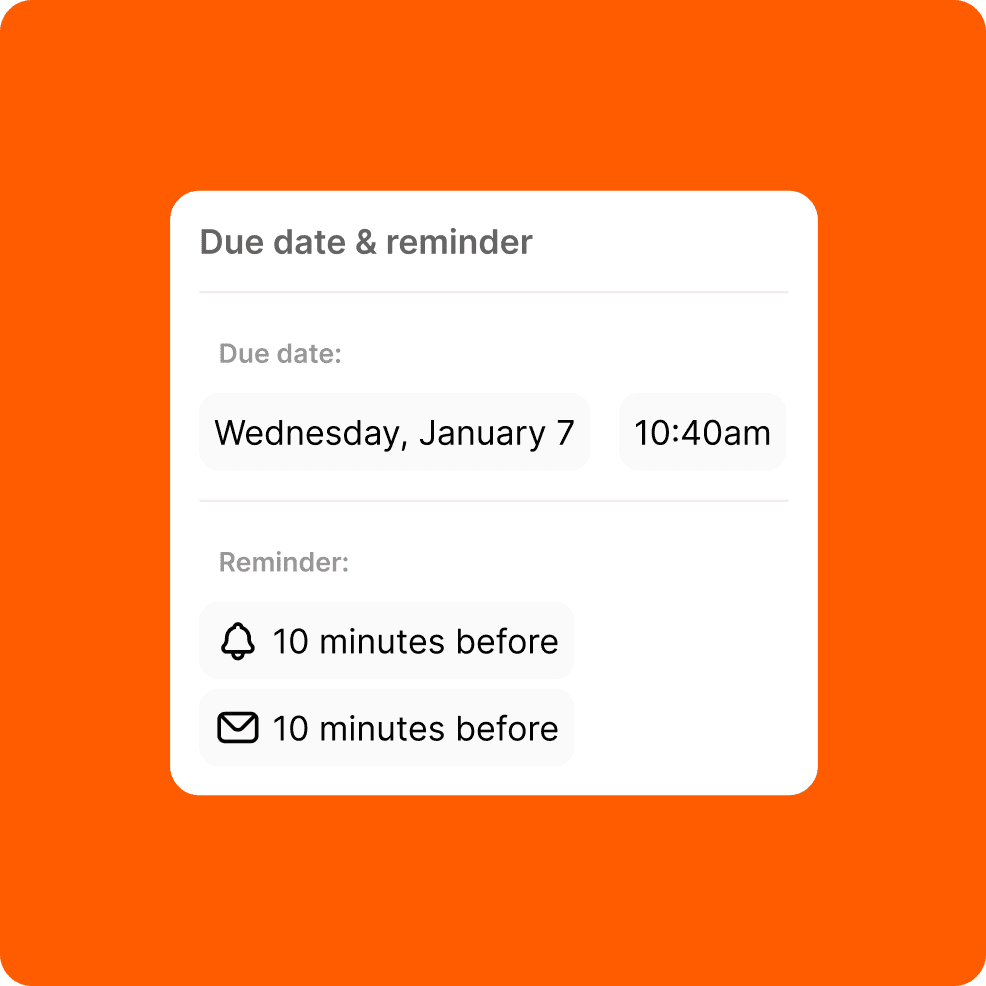
Set reminders.


Set as many reminders as you need via email or in-app notifications.

Dedicated task view.


See all your tasks in one place, organized by priority and due date.
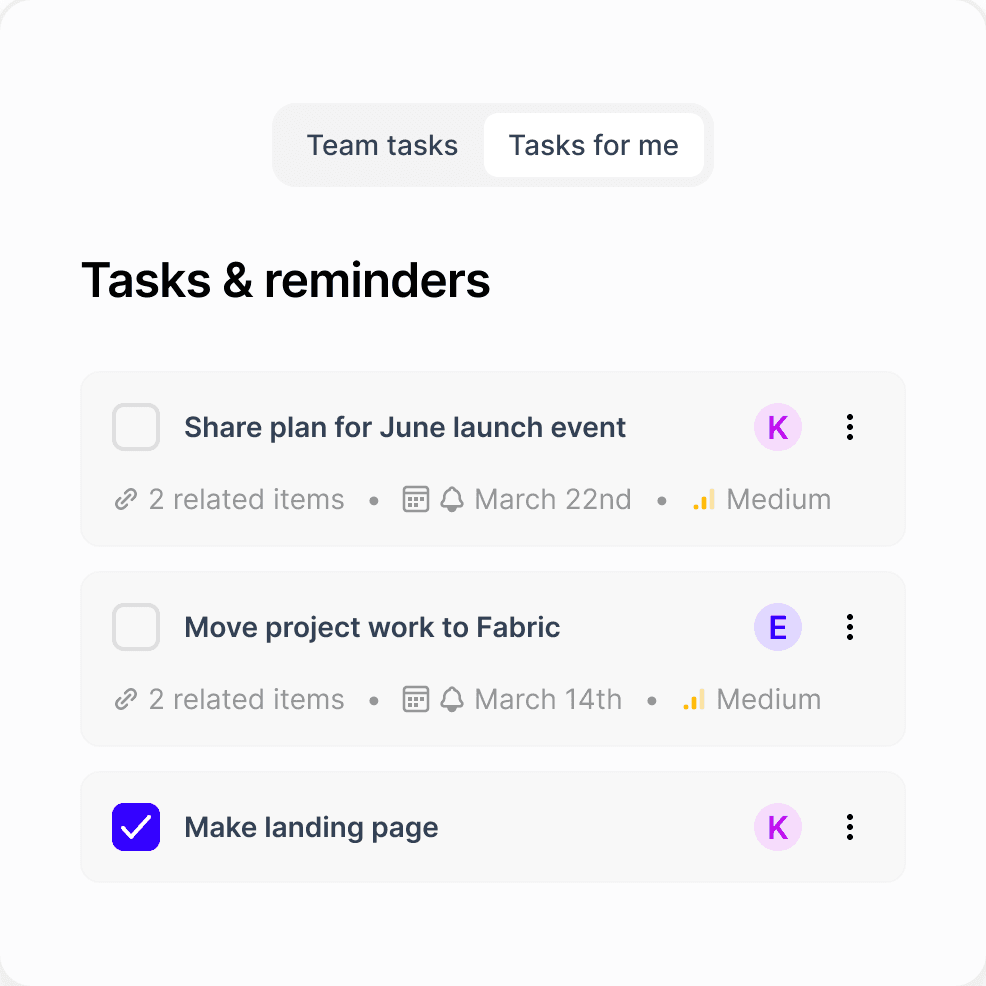
Never lose context.

Click any task to instantly access all its connected files and information

Set an assignee.


Set someone to own the task and get it done. No more ambiguity about who's doing what.


(Fabric for Teams only)
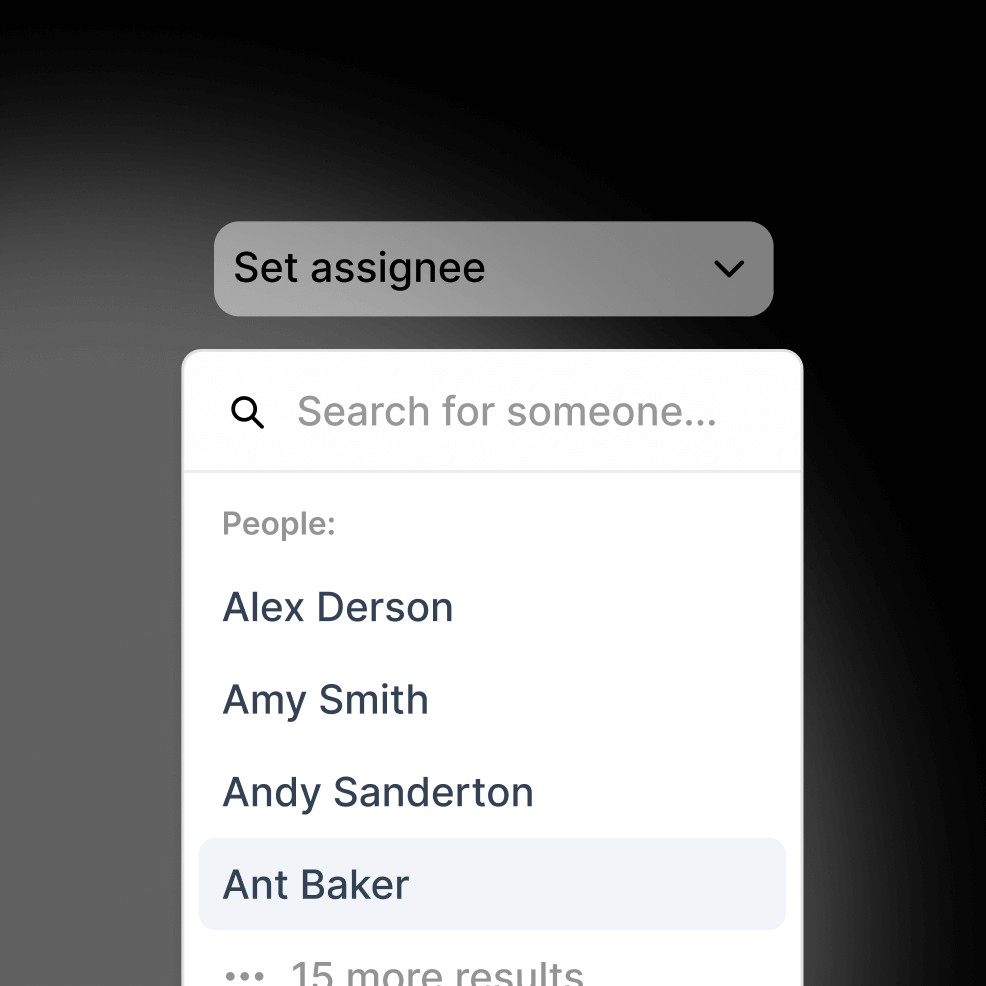
Works seamlessly with other features.

Search everything.

Find tasks by searching their titles, descriptions, or even the content in their linked files.

Ask your AI about your tasks. (Coming soon)

Your AI assistant can answer questions about both the tasks and even make changes to them on your behalf.

Available from everywhere.

Your tasks are available on all your devices – anywhere you have Fabric.

Email integration.

Get task reminders in your inbox so you can't miss them. No more missing deadlines.

Use cases

Project work.


Keep all your project tasks connected to the actual project files, documents, and resources you need to complete them.

Document deadlines.


Link contracts, reports, or proposals to their review deadlines so everything you need is one click away.

Research milestones.


Break down research projects into tasks with all your sources, notes, and data connected right there.

Team assignments.


Create tasks for team members with all the relevant files and context attached so nothing gets lost in translation.

FAQs

Can I make tasks for others, not just me?

Yes, in a team workspace, you can have both private, and team tasks. The team tasks can be assigned to others.

Do my tasks work on my phone and computer?

Can I receive task reminders by email?

Can I set more than one reminder for a task?

Wait – there’s more...

Fully encrypted

Everything in Fabric is encrypted in transit (SSL) and at-rest (AES-256).

@sara let’s talk about this company on monday

Leave sticky notes on the internet

Make lasting notes on any website – for the next time you or a friend visits.

Kanban

Track the progress of your work or projects.

Recap

AI summaries, in your email inbox. A recap of everything you’ve saved, created or captured.

A powerful writing tool

A full markdown text editor with real-time collaborative editing.

Annotate anything

Write notes on top of any file, link or note.

Task

Tasks

Create todos on any folder or file, and get more done, all inside Fabric.

Reminders

Snooze any file or link, and come back to it at a more convenient time.

Chat

Chat and comment with team-mates or friends in real-time, inside any document, folder or workspace.

Wait – there’s more...

Fully encrypted

Everything in Fabric is encrypted in transit (SSL) and at-rest (AES-256).

@sara let’s talk about this company on monday

Leave sticky notes on the internet

Make lasting notes on any website – for the next time you or a friend visits.

Kanban

Track the progress of your work or projects.

Recap

AI summaries, in your email inbox. A recap of everything you’ve saved, created or captured.

A powerful writing tool

A full markdown text editor with real-time collaborative editing.

Annotate anything

Write notes on top of any file, link or note.

Task

Tasks

Create todos on any folder or file, and get more done, all inside Fabric.

Reminders

Snooze any file or link, and come back to it at a more convenient time.

Chat

Chat and comment with team-mates or friends in real-time, inside any document, folder or workspace.

Wait – there’s more...

Fully encrypted

Everything in Fabric is encrypted in transit (SSL) and at-rest (AES-256).

@sara let’s talk about this company on monday

Leave sticky notes on the internet

Make lasting notes on any website – for the next time you or a friend visits.

Kanban

Track the progress of your work or projects.

Recap

AI summaries, in your email inbox. A recap of everything you’ve saved, created or captured.

A powerful writing tool

A full markdown text editor with real-time collaborative editing.

Annotate anything

Write notes on top of any file, link or note.

Task

Tasks

Create todos on any folder or file, and get more done, all inside Fabric.

Reminders

Snooze any file or link, and come back to it at a more convenient time.

Chat

Chat and comment with team-mates or friends in real-time, inside any document, folder or workspace.

Unlock productivity superpowers.
The AI workspace that thinks with you.

Unlock productivity superpowers.

The AI workspace that thinks with you.

Unlock productivity superpowers.

The AI workspace that thinks with you.