Email to note
Just email it to Fabric.
Instantly saved for later.
Forward emails, send files or quick notes
- everything gets automatically organized and saved to your Fabric workspace.
Lightning fast.
Forward an email in 2 seconds. No need to open another app.
Send it from where you're already working and reading.
Zero friction capture.
Works from any email client, any device – just send to your new dedicated Fabric email address.
Secure and convenient.
Designed for security and privacy.
Only accepts emails from your verified Fabric account email address.
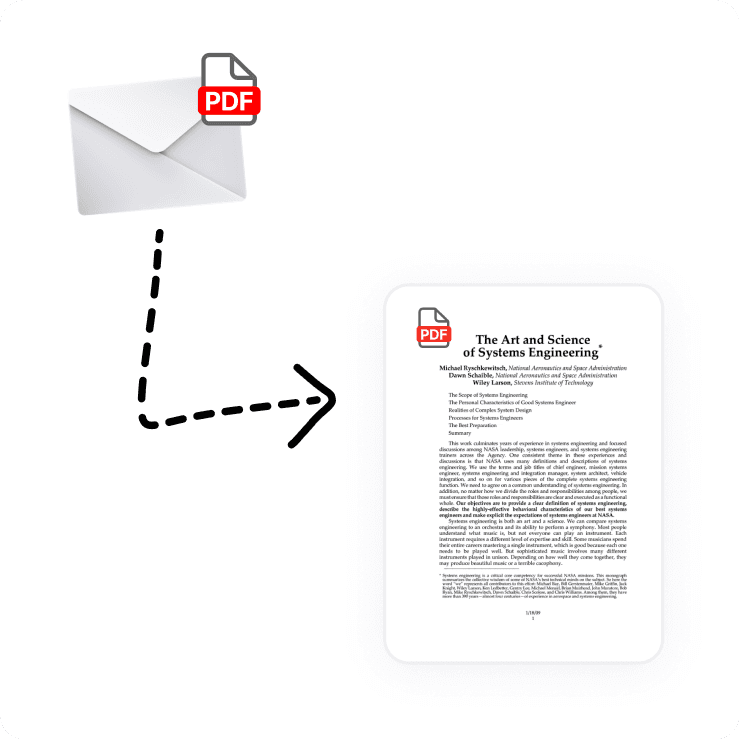
Smart file detection.
Automatically converts attachments to the correct file type in Fabric.
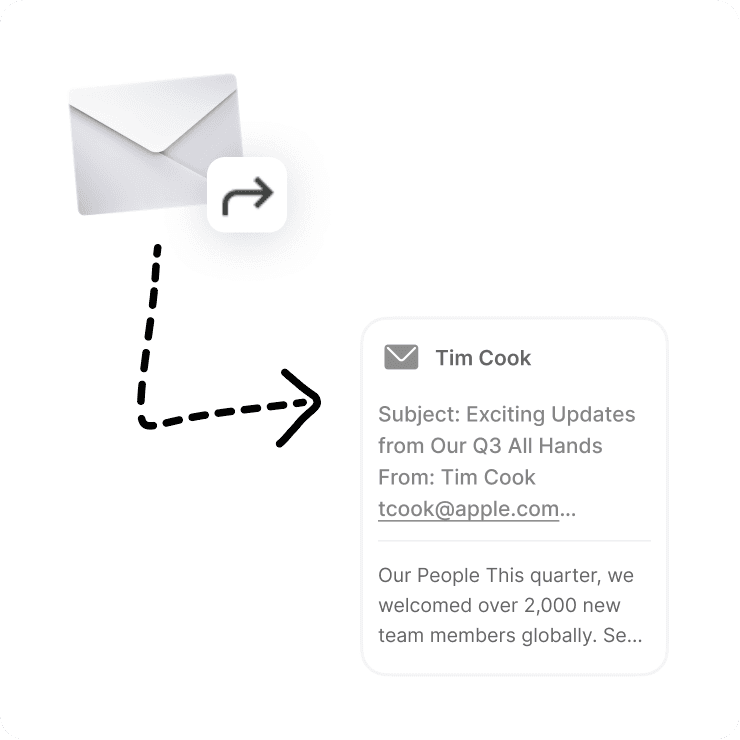
Email preservation.
Forwards are saved as complete emails with all formatting intact.
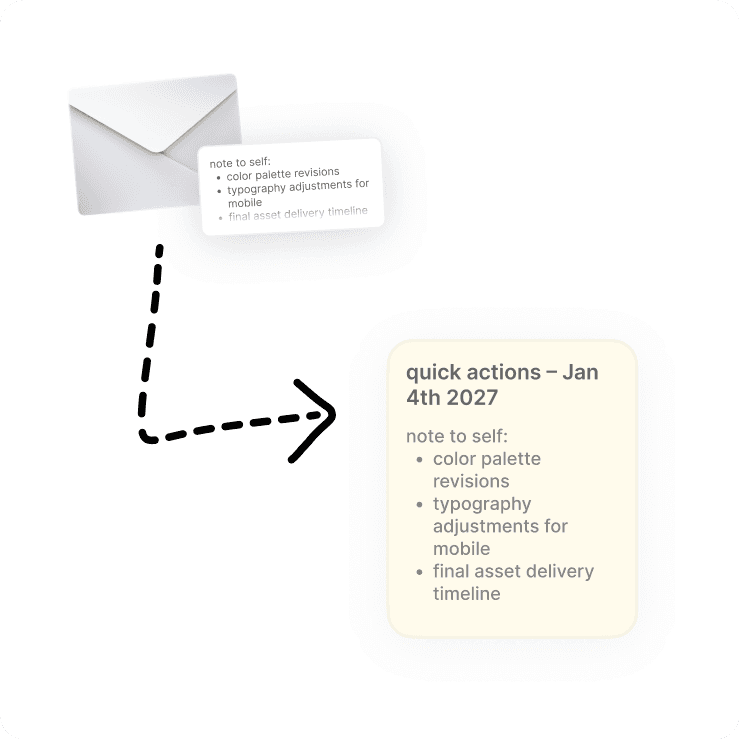
Note creation.
Plain text emails become searchable notes.
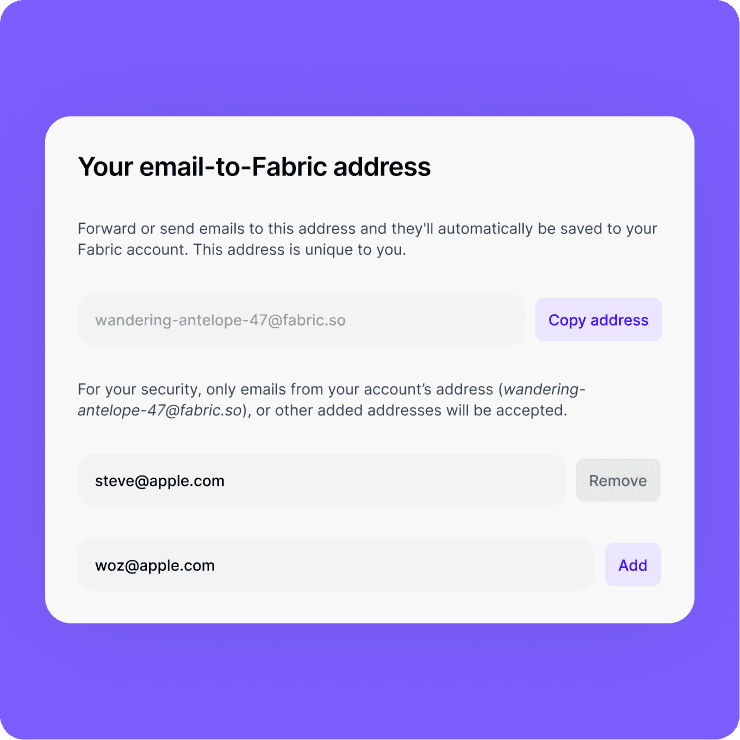
Multiple sender support.
Approve additional email addresses for yourself, or for team collaboration.
Works seamlessly with other features.

Everything searchable.
All emailed content becomes instantly searchable across your entire Fabric workspace.

AI assistant ready.
Ask questions about any content you've emailed to Fabric - your AI assistant can access it all.

Collaborate on any content.
You can share your emailed content and collaborate on it with others.

Organize with tags and spaces.
All emailed content can be organized as you wish, with classic Fabric features like spaces and tags.
Perfect for:

Busy professionals
Capture important emails and documents without switching between apps or manual filing.

Research workflows
Forward research emails, PDFs, and notes to keep everything in one searchable place.

Content creators
Save inspiration, references, and resources by simply forwarding them to Fabric.

Remote teams
Share files and notes via email that automatically sync to your team's knowledge base.
Use cases

Quick capture
Never lose an important email again. Forward anything worth keeping directly to your Fabric workspace.

File sharing
Email files to yourself and have them automatically organized in Fabric instead of cluttering your inbox.

Mobile note-taking
On the go? Email your quick thoughts and ideas – they'll instantly become searchable notes.
Team collaboration
Approve team email addresses so colleagues can send important content to your shared Fabric workspace.
FAQs
How do I get my Fabric email address?
Your unique Fabric email address is available in your account settings. It's automatically generated and tied to your account.
What file types can I email?
Fabric accepts most common file types including PDFs, images, documents, and audio files. Unsupported files are saved as generic files, which still be shared, downloaded etc.
Can I email from different addresses?
Yes, you can approve additional email addresses in your settings for secure sending from multiple accounts.
Is sharing with clients secure?
Standard email size limits apply (typically 25MB). For larger files, use the Fabric app to directly upload, or use our cloud sync features.


