Your team's best decisions are buried in scroll-back.
Fabric monitors the channels you choose and captures decisions, context, and important information as it happens.
The memo nobody wrote, the decision that would have been lost.
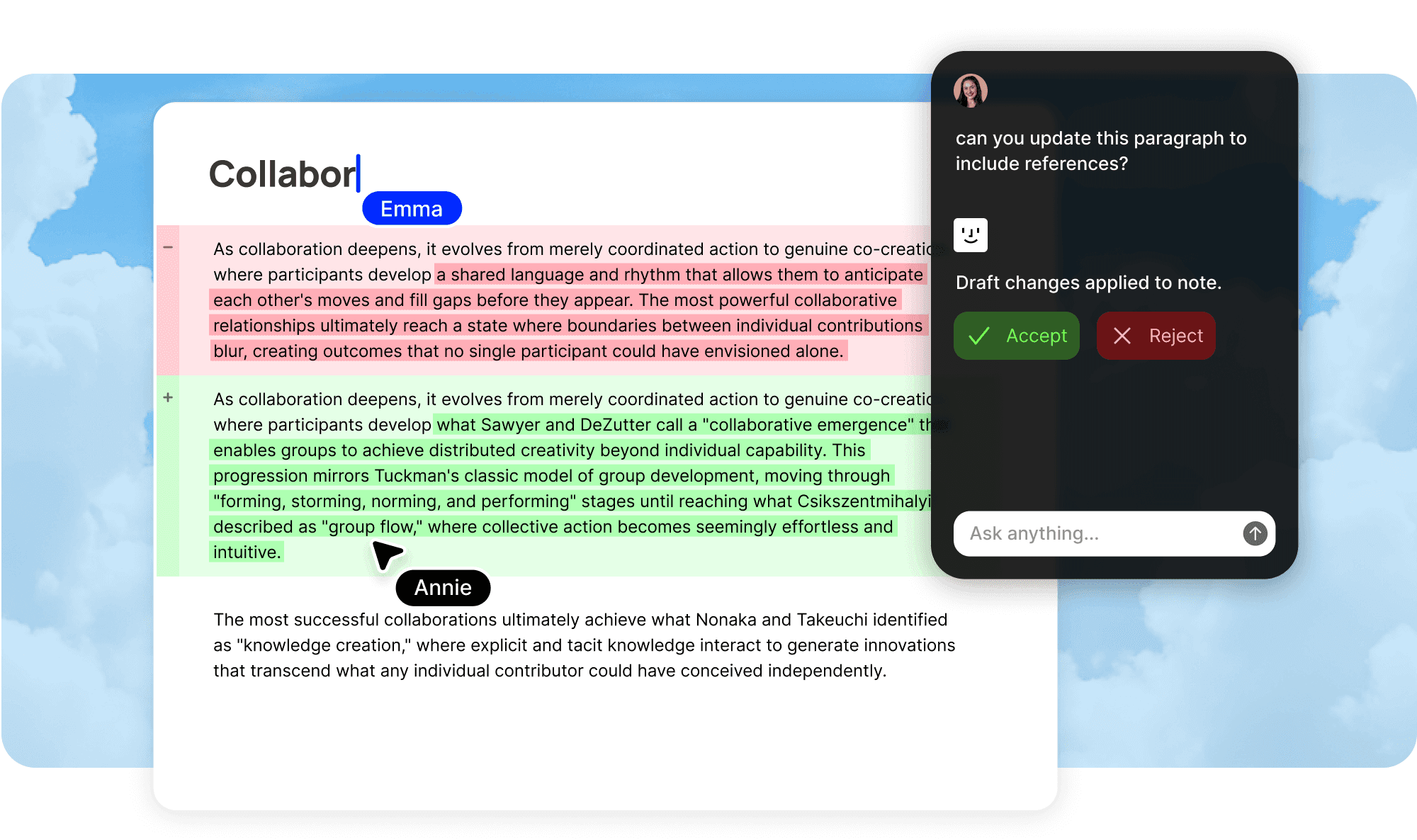
Decisions captured as they happen.
Choose which channels to watch.
Connect your Slack workspace and select the channels Fabric should monitor. Team channels, project channels, leadership channels. You decide what is worth capturing. Everything else is ignored.
Decisions identified automatically.
Fabric reads the flow of conversation and identifies when a decision has been made, a direction has been agreed on, or important context has been shared. It does not document every message. It documents what matters.
Filed in the right place.
Captured decisions and context are not dumped into a generic log. Fabric understands which project, client, or topic the discussion relates to and files the documentation in the relevant location in your workspace. A pricing decision goes to product docs. A technical trade-off goes to engineering docs. A client conversation goes to the client tracker.
Context that would otherwise be lost.
The memo nobody wrote.
Teams make important decisions in Slack every day that never get written up. Someone proposes an approach, others agree, and work proceeds. A month later, nobody remembers why that approach was chosen. Fabric captures these moments and turns them into decision records with context about what was discussed and what was agreed.
Cross-channel synthesis.
Conversations about the same topic often happen across multiple channels. A product discussion in #product, a technical follow-up in #engineering, a stakeholder question in #leadership. Fabric connects these threads and produces documentation that synthesizes the full picture rather than fragmenting it across channel silos.
Threaded discussions preserved.
Important context often lives in Slack threads that most people never open. Fabric reads threads as well as channel messages, ensuring that nuance, objections, and alternatives discussed in threads are captured alongside the top-level decisions.
The most expensive knowledge leak in your company.
Slack is where most teams do their real work. Priorities are set, trade-offs are debated, decisions are made, and directions are agreed on. But Slack is also where that knowledge goes to die. Messages scroll off the screen within hours. Threads become unreadable after a few days. The search is adequate for finding a specific message if you remember enough keywords, but it is useless for understanding what your team decided about a topic three weeks ago or why a project changed direction in February.
The result is that your company's most important decisions exist only in the memory of the people who happened to be in the channel at the right time. When those people leave, go on vacation, or simply forget, the knowledge is gone. New hires cannot access it. Other teams cannot reference it. Decisions get re-debated because nobody can prove they were already resolved. For startups moving fast and agencies managing multiple clients, this knowledge leak compounds quietly until it starts visibly slowing the team down.
From chat to institutional knowledge.
Fabric treats Slack as a primary source of organizational knowledge rather than an ephemeral messaging tool. When your team makes a decision in a channel, Fabric captures it. When someone shares important context about a client, a system, or a project, Fabric files it. When a long thread results in an agreed approach, Fabric documents the outcome with the reasoning that led to it.
The output is not a transcript of your Slack channels. It is structured documentation assembled from the decisions and knowledge your team shares through chat. Decision logs that record what was decided, when, and why. Product documentation that captures feature decisions and roadmap context. Client relationship context compiled from account discussions. Sales intelligence distilled from deal conversations. Each piece of knowledge is filed where it belongs, searchable from your workspace, and accessible to your AI assistant.
Enriches everything else.
Slack decisions rarely exist in isolation. A product decision in Slack leads to a PR in GitHub. A client discussion in Slack follows up on a meeting. A technical debate in Slack references documentation already in your workspace. Fabric connects these sources so that documentation assembled from Slack is enriched with context from the tools where the decision was implemented, discussed, or originated. The PR that implemented a Slack decision is linked to the decision record. The meeting where the topic was first raised is connected to the Slack thread where it was resolved.
Privacy and control.
Fabric only monitors the channels you explicitly select. Private channels, DMs, and channels you do not connect are never accessed. You can change which channels are monitored at any time, adding new ones or removing ones that are no longer relevant. Your team's Slack data is handled with the same encryption and privacy protections as all other content in Fabric. You can read more about Fabric's security practices in the privacy and security guide.
What gets captured from Slack.
Decisions
When your team agrees on a direction, approach, or priority in a Slack channel, it becomes a decision record with context about what was discussed and who was involved.
Technical context
Architecture discussions, trade-off debates, and technical explanations shared in engineering channels become part of your engineering documentation.
Product direction
Feature discussions, roadmap decisions, and user feedback shared in product channels feed into your product docs.
Client and sales context
Account discussions, deal updates, and client feedback from dedicated channels feed into your client tracker and sales knowledge base.
Project updates
Status updates, blockers, and progress shared in project channels are captured and filed as project documentation.
Use cases
Decision tracking
Build a decision log that captures every important call your team makes in Slack. Stop re-debating resolved questions because the record exists and is searchable.
Engineering knowledge
Technical decisions and architecture discussions from engineering channels become part of your engineering docs. Combined with PR documentation from GitHub, you get both the decision and its implementation.
Client management
Capture client context from dedicated account channels. Build client relationship pages that compile deal history, decisions, and outstanding items without anyone updating a CRM. See how Fabric supports CRM.
New hire context
New team members can search documentation assembled from months of Slack decisions instead of asking "why do we do it this way" questions that interrupt senior colleagues. See how Fabric supports onboarding.
Perfect for
Startups
Fast-moving teams make dozens of decisions a day in Slack. Without Fabric, most of those decisions are forgotten within a week. Self-writing docs ensure that your velocity does not come at the expense of institutional knowledge. Learn more about Fabric for startups.
Agencies and consultancies
Client channels contain deal context, relationship history, and project decisions that are valuable long after the conversation scrolls away. Fabric captures and organizes this knowledge per client. Learn more about Fabric for agencies.
Remote and distributed teams
When your team is spread across time zones, Slack carries even more of the decision-making load. Fabric ensures that decisions made while some team members were asleep are documented and findable the next morning. Learn more about Fabric for teams.
Product teams
Feature decisions, roadmap discussions, and user feedback discussions happen in Slack constantly. Fabric captures them and builds product documentation that reflects the full history of how your product evolved.
Works seamlessly with other features.
GitHub context
Decisions made in Slack that lead to code changes are connected to the PR documentation that implements them. The full lifecycle from discussion to implementation is documented.
Meeting follow-ups
Slack threads that follow up on meeting decisions are connected to the original meeting documentation. Follow-up context is filed alongside the decision it relates to.
Smart search
All Slack-sourced documentation is searchable alongside your other content. Find decisions, discussions, and context through natural language queries without digging through Slack scroll-back.
AI assistant
Ask your AI assistant about any decision or discussion captured from Slack. It can reference the documented decision, explain the reasoning, and cite when and where the conversation happened.
FAQ
How does Fabric connect to Slack?
Connect your Slack workspace through Fabric's setup wizard using standard OAuth authentication. You then choose which channels Fabric should monitor. See the connections marketplace for setup details.
Does Fabric read every message in my Slack?
No. Fabric only monitors the channels you explicitly select. Private channels, DMs, and unselected channels are never accessed. Within monitored channels, Fabric identifies documentation-worthy content rather than capturing every message.
What counts as a "decision" that Fabric captures?
Fabric identifies moments where a direction is agreed on, an approach is chosen, a priority is set, or important context is shared. It looks for consensus, conclusions, and significant information rather than casual conversation. You can review and adjust what gets documented.
Can I exclude certain types of messages?
Yes. You can configure what Fabric watches within each channel and adjust filtering over time based on the results. Fabric is designed to capture signal and ignore noise.
Does it capture Slack threads?
Yes. Fabric reads both channel messages and threaded replies. Important context discussed in threads is captured alongside top-level decisions. This is important because many teams do their most substantive discussions in threads.
How quickly does Slack content become documentation?
Captured decisions and context typically appear in your documentation within hours. Fabric processes channel activity continuously rather than on a fixed schedule.
Can my team see what was captured from Slack?
Yes. All documentation produced from Slack is visible in your Fabric workspace. Your team can review, edit, annotate, and discuss any captured content. Nothing is hidden or processed without visibility.
What if Fabric captures something incorrectly?
All produced docs are editable Fabric documents. If a decision is mischaracterized or context is missing, your team can edit the doc directly. Fabric preserves manual edits in subsequent updates.
Is my Slack data secure?
Yes. Slack data is handled with the same encryption and privacy protections as all other Fabric content. Data is encrypted in transit and at rest with AES-256. You can revoke Fabric's access to Slack at any time. Read more in the privacy and security guide.
Which plans include Slack integration for self-writing docs?
Self-writing docs with Slack is available on Team plans. See team pricing for details.


