Your team already has months of scattered notes, files, and recordings across Fabric.
Point the docs feature at your existing spaces and Fabric synthesizes it all into organized documentation. No external connections needed.
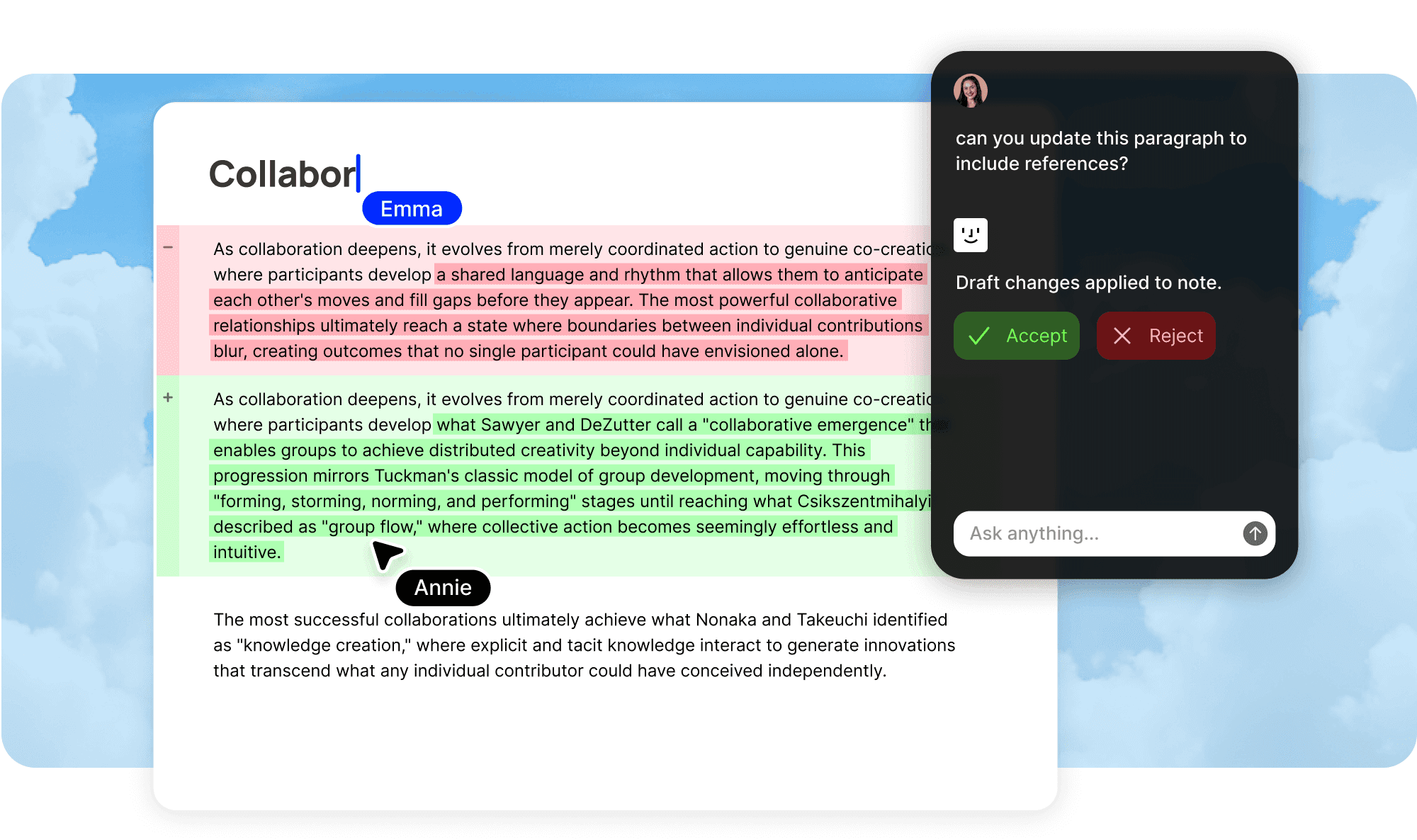
Start from what you already have.
No setup required.
You do not need to connect GitHub, Slack, or any external tool to start producing documentation. Your Fabric workspace already contains the raw material. Notes, files, saved links, voice recordings, meeting transcripts, annotations, and everything else your team has saved.
Point at any space or folder.
Select the spaces, folders, or content you want Fabric to synthesize. It reads through everything, identifies themes and structure, and produces organized documentation from the material that is already there.
Docs in hours, not weeks.
What would take someone weeks of reading, sorting, and writing is done in hours. Fabric processes your existing content and produces a structured documentation set that reflects what your team actually knows.
From scattered to structured.
Notes become chapters.
Individual notes scattered across folders are synthesized into coherent documentation pages organized by topic. Five notes about the same feature become one well-structured feature doc.
Recordings become searchable knowledge.
Transcribed meetings and voice notes contain decisions and context that never made it into written docs. Fabric extracts that knowledge and incorporates it into the documentation alongside your written content.
Files and saved content add context.
PDFs, saved articles, reference materials, and clipped web content all contribute to the documentation Fabric produces. Your research and references inform the docs without you having to manually cite or summarize them.
The value starts immediately.
Most documentation tools require you to start from scratch or connect external services before they are useful. Self-writing docs from your workspace inverts this. If your team has been using Fabric for any length of time, you already have the inputs. Notes from brainstorms. Files from client projects. Recordings from team meetings. Screenshots and references saved through the web clipper. All of this content has been searchable and accessible to your AI assistant, but it has not been organized into documentation. Until now.
This makes workspace-sourced docs the fastest path to value for teams that are already on Fabric. There is nothing to configure, no OAuth flows, no channel selection. Point at a space and Fabric reads everything in it, understands the themes and relationships, and produces structured documentation. A project space with fifty scattered notes, a dozen files, and a handful of recordings becomes a clean set of project docs that someone can actually read from start to finish.
The documentation you never had time to write.
Every team has a backlog of documentation they know they should write but never get around to. The project that shipped six months ago and was never documented. The client relationship where all the context lives in one person's head. The research that was done but never synthesized into findings. The onboarding guide that is perpetually on someone's to-do list. If the raw material exists in your workspace, even scattered and disorganized, Fabric can produce the documentation from it.
For startups that have been moving too fast to document, this is a way to retroactively build the knowledge base that should have existed all along. For agencies with years of client work spread across project spaces, it is a way to turn scattered project files into organized case studies and reference material. For research teams with months of notes and recordings, it is a way to synthesize raw research into structured findings without anyone sitting down to write a report.
A starting point, not a finished product.
Workspace-sourced docs are designed to give you a strong foundation that you then refine. Fabric produces documentation that is structured, comprehensive, and grounded in your actual content. Your team can then review it, edit it, add context that Fabric could not infer, and shape it into exactly what you need. The documents are full Fabric notes that support collaboration, annotations, and all the other editing tools in the workspace.
Once the initial docs are produced, they also benefit from ongoing updates if you connect external sources. Add GitHub, Slack, or meeting recordings and the documentation that started from your workspace begins updating itself from live activity. The workspace synthesis gives you the foundation. The live connections keep it current.
What gets produced.
Project documentation
Scattered notes, files, and recordings from a project space become a structured set of project docs covering scope, decisions, status, and key context.
Knowledge base pages
Related notes and research across your workspace are synthesized into organized knowledge base pages. Useful for building a team wiki or second brain from existing material.
Research syntheses
Raw research notes, interview recordings, and saved references are synthesized into structured findings, themes, and insights. Feeds into a user research repository or literature review.
Onboarding materials
Process documentation, team context, and project history are assembled from existing content into onboarding guides that new hires can actually use.
Client summaries
Notes, files, and recordings from client project spaces are organized into client relationship pages with history, decisions, and current status.
Use cases
Retroactive documentation
Your team shipped a product, completed a project, or finished a research phase without documenting it. The raw material exists in Fabric. Point self-writing docs at it and get the documentation you never had time to write.
Team wiki from scratch
Build a team wiki from your existing workspace content without starting from a blank page. Fabric reads what your team has already saved and produces organized wiki pages.
Research synthesis
Months of research notes, saved papers, interview recordings, and annotations synthesized into structured findings. The report nobody had time to write, produced from the work that was already done. See how Fabric supports literature reviews.
Onboarding preparation
Produce onboarding materials from your existing workspace before a new hire starts. Everything they need to know, assembled from what your team has already saved. See how Fabric supports onboarding.
Perfect for
Startups that moved too fast to document
You have been shipping for months and the documentation backlog keeps growing. Fabric can produce the docs retroactively from the notes, files, and recordings your team has already created. Learn more about Fabric for startups.
Agencies with years of project history
Client spaces full of scattered files and notes become organized case studies and reference material. Turn past work into a structured library without anyone writing it up manually. Learn more about Fabric for agencies.
Research teams with raw material to synthesize
Notes, recordings, and saved papers from months of research become structured findings and reports. The synthesis step that usually takes weeks is done in hours. Learn more about Fabric for research teams.
Any team already using Fabric
If you have been using Fabric, you already have the inputs. Workspace-sourced docs are the fastest way to get value from self-writing docs because there is nothing to connect or configure.
Works seamlessly with other features.
Smart organization
Fabric's automatic organization has already extracted metadata, tags, and content relationships from your workspace content. Self-writing docs builds on this understanding to produce better-structured documentation.
Smart search
All produced docs are searchable alongside your existing content. The original source material and the synthesized documentation are both findable through natural language queries.
AI assistant
Your AI assistant can reference both the source material in your workspace and the documentation produced from it. Ask questions and get answers grounded in your complete knowledge base.
External source connections
Start with workspace-sourced docs as your foundation, then connect GitHub, Slack, Discord, and meetings to keep the documentation updating from live activity.
FAQ
Do I need to connect any external tools?
No. Workspace-sourced docs work entirely from content already in your Fabric workspace. If you want ongoing updates from live activity, you can connect external sources later, but the initial documentation requires no external connections.
What types of content does Fabric use from my workspace?
Everything. Notes, files, saved links, voice recordings, meeting transcripts, annotations, web clips, images, and any other content in the spaces you select.
Can I choose which spaces or folders to synthesize?
Yes. You select the specific spaces, folders, or content areas you want Fabric to process. You can run it on a single project space or across your entire workspace.
How long does it take to produce docs from my workspace?
Processing time depends on the volume of content, but most teams see documentation appearing within hours of starting the process. Large workspaces with years of content may take longer.
What if my workspace content is messy and disorganized?
That is exactly what this feature is designed for. Fabric reads through scattered, disorganized content and identifies themes, relationships, and structure. The messier your workspace, the more valuable the synthesis.
Can I edit the docs Fabric produces?
Yes. All produced docs are full Fabric documents that you can edit, annotate, and collaborate on. The output is a strong starting point that your team refines.
Does it work if my workspace is mostly voice notes and recordings?
Yes. Transcribed recordings are processed the same way as written notes. Decisions, context, and knowledge from spoken content are extracted and incorporated into the documentation.
Can I run this again later as my workspace grows?
Yes. You can re-run the synthesis at any time to incorporate new content. Or you can connect external sources like GitHub and Slack to switch to continuous updates rather than periodic synthesis.
How is this different from asking the AI assistant to summarize my workspace?
The AI assistant answers questions conversationally. Self-writing docs produces structured, persistent documentation pages that are organized by topic, editable by your team, and maintained over time. The assistant gives you an answer. Self-writing docs gives you a knowledge base.
Which plans include workspace-sourced self-writing docs?
Self-writing docs is available on Team plans. See team pricing for details.


