Space template
templaaaaateeeeee
About
Fabric App
Pre-setup
Important: To ensure the npm commands run from the correct location, navigate to the web folder. This is where the project files, including the package.json file, are located.
To install some necessary npm dependencies, you'll need to connect to AWS CodeArtifact. Follow these steps:
Install the AWS CLI from https://docs.aws.amazon.com/cli/latest/userguide/getting-started-install.html.
After installation, run the command aws configure to set your credentials.
$ aws configure AWS Access Key ID [None]: <YOUR ACCESS KEY ID> <ENTER> AWS Secret Access Key [None]: <YOUR SECRET ACCESS KEY> <ENTER> Default region name [None]: eu-west-1 <ENTER> Default output format [None]: <ENTER>
Alternatively, add the following lines to your web/.env file:
AWS_CONFIGURE_ACCESS_KEY_ID=<YOUR ACCESS KEY ID> AWS_CONFIGURE_SECRET_ACCESS_KEY=<YOUR SECRET ACCESS KEY> AWS_CONFIGURE_REGION=eu-west-1
Load the variables with source ./web/.env and then set the credentials with sh ./web/scripts/aws-configure.sh.
- Once you've configured your AWS credentials, run npm install to install all dependencies. If npm install fails, run npm run preinstall to run the preinstall script manually.
What is Fabric?
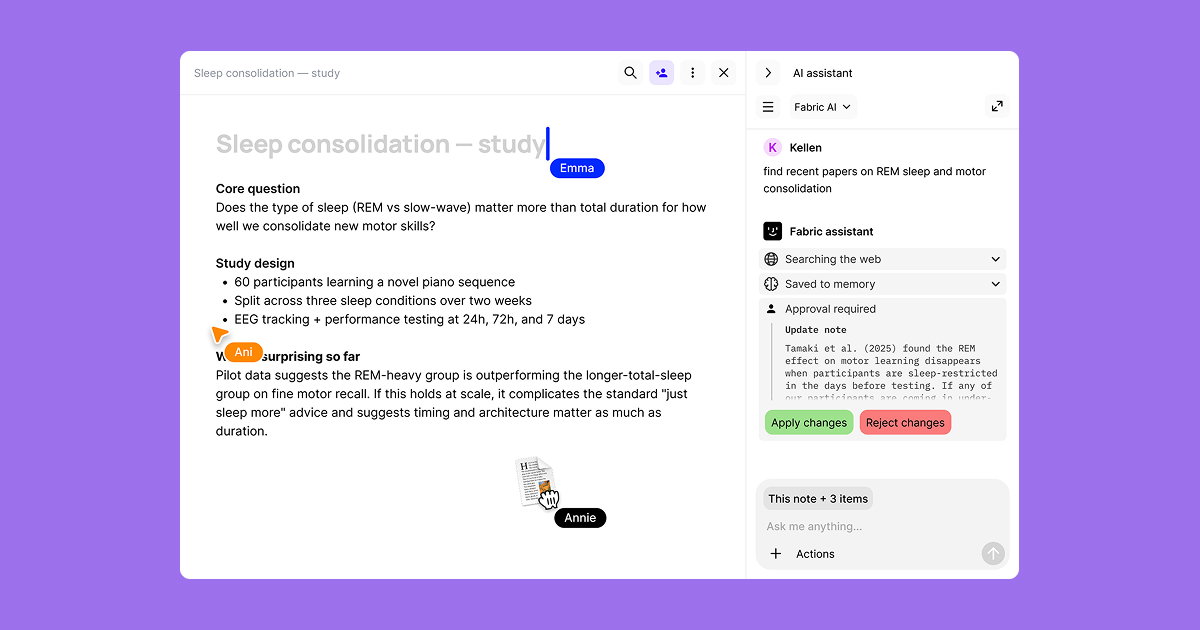
Fabric is an AI workspace for your projects, ideas, and files.
Save anything – PDFs, images, links, notes, voice memos, videos – and search across all of it by meaning, not just keywords. Think visually on an infinite canvas, connect your tools like Gmail, Google Drive, Notion, and Figma, and work alongside a personal AI assistant that knows your work, remembers your context, and gets smarter the more you use it.
Available on web, iOS, Android, and desktop.
